Lifer Wildlife Archive
Your wildlife photos, sorted by species: a photo library and life list where every region's checklist fills in from the photos you take.
Free and open source. Intel Mac and deb on the download page, or run it on your own server.
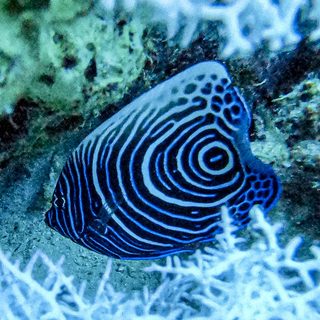
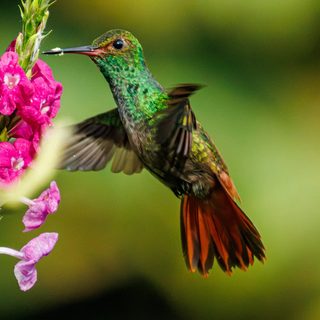
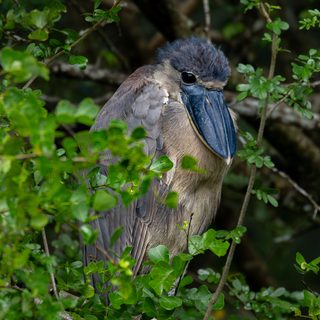
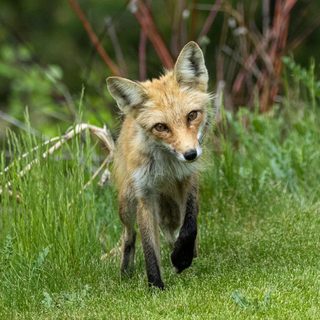
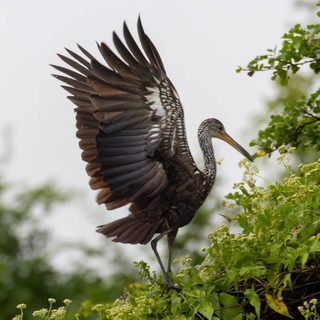
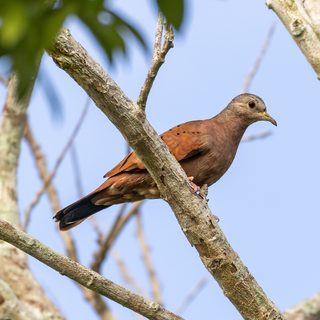
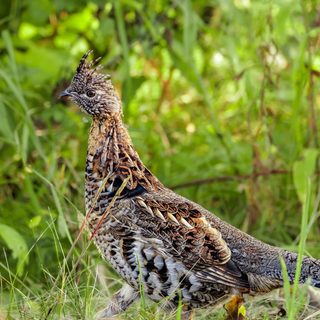
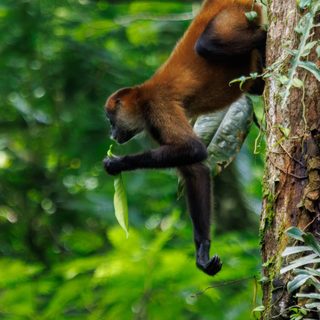
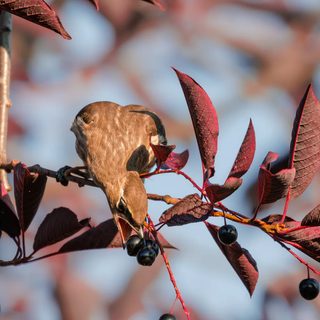
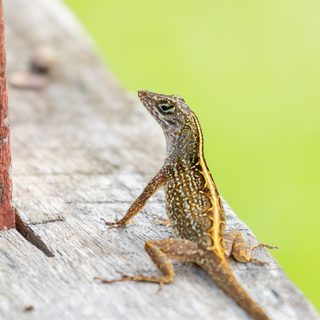
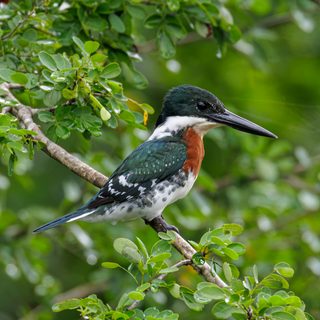
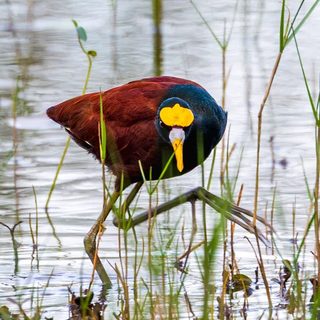
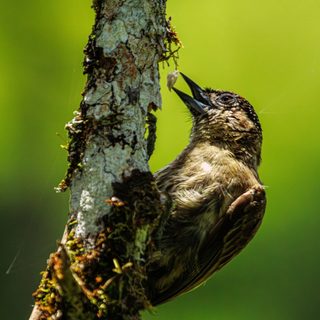
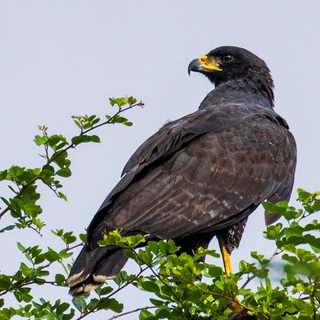
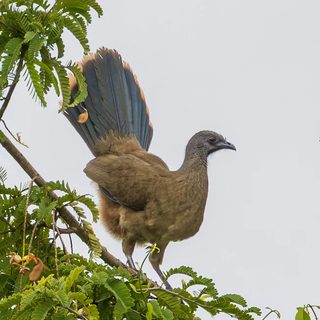
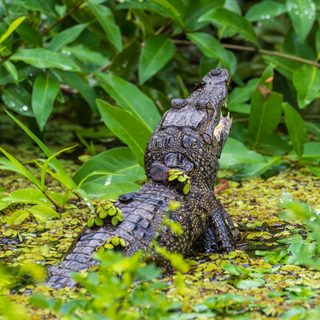
Lifer, step by step
A tour of what Lifer does, told through one real trip: Belize in November 2026, 310 photos from thirteen days. Each step shows a feature at work, in screenshots from the app.
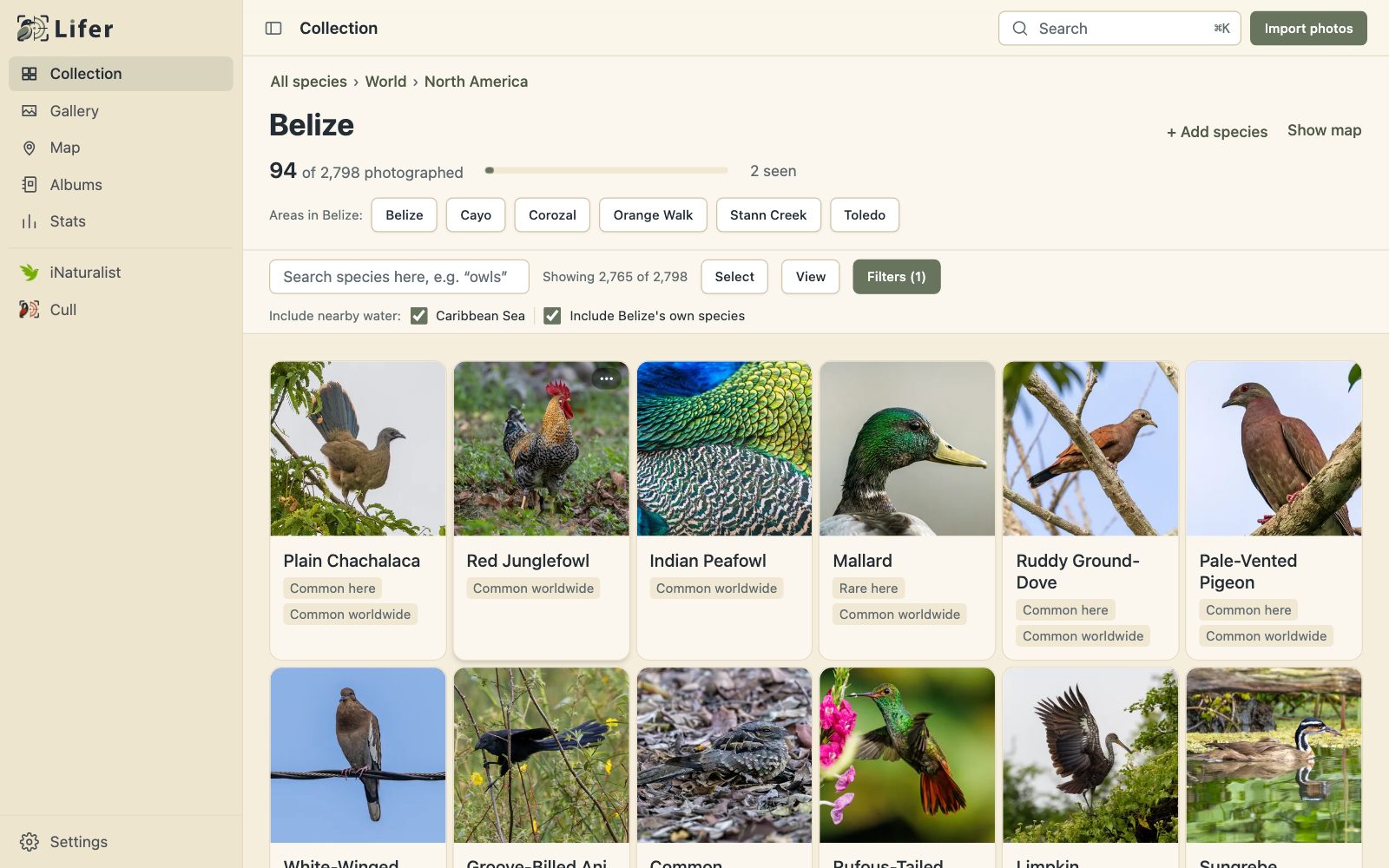
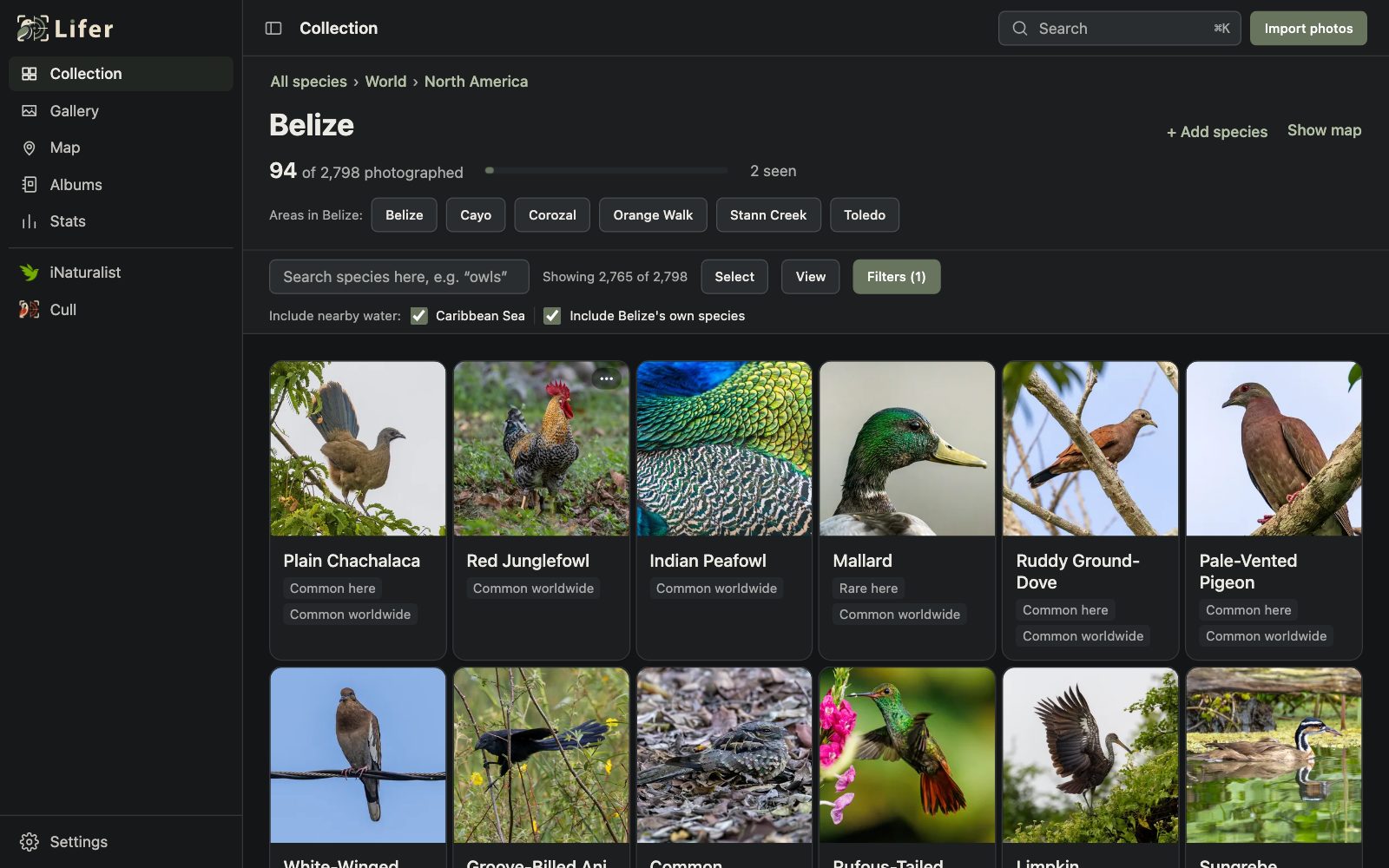
The checklist
79 of 2,791 species
Every region's checklist fills in from your photos, with how rare each species still out there is. 85,282 species come ready, and any of the over 590,000 observed on iNaturalist can join your lists, plants, fungi and insects included.
Before import
Culled with Preen, right inside Lifer
Preen is a culling app that plugs into Lifer: it opens as a page of its own, with its menus in the menu bar and shortcuts that never clash. It finds the sharp shots and the eyes, flags new lifers, and hands the keepers straight to import, leaving out what you rejected. Lifer stays free and complete without it.
Naming them
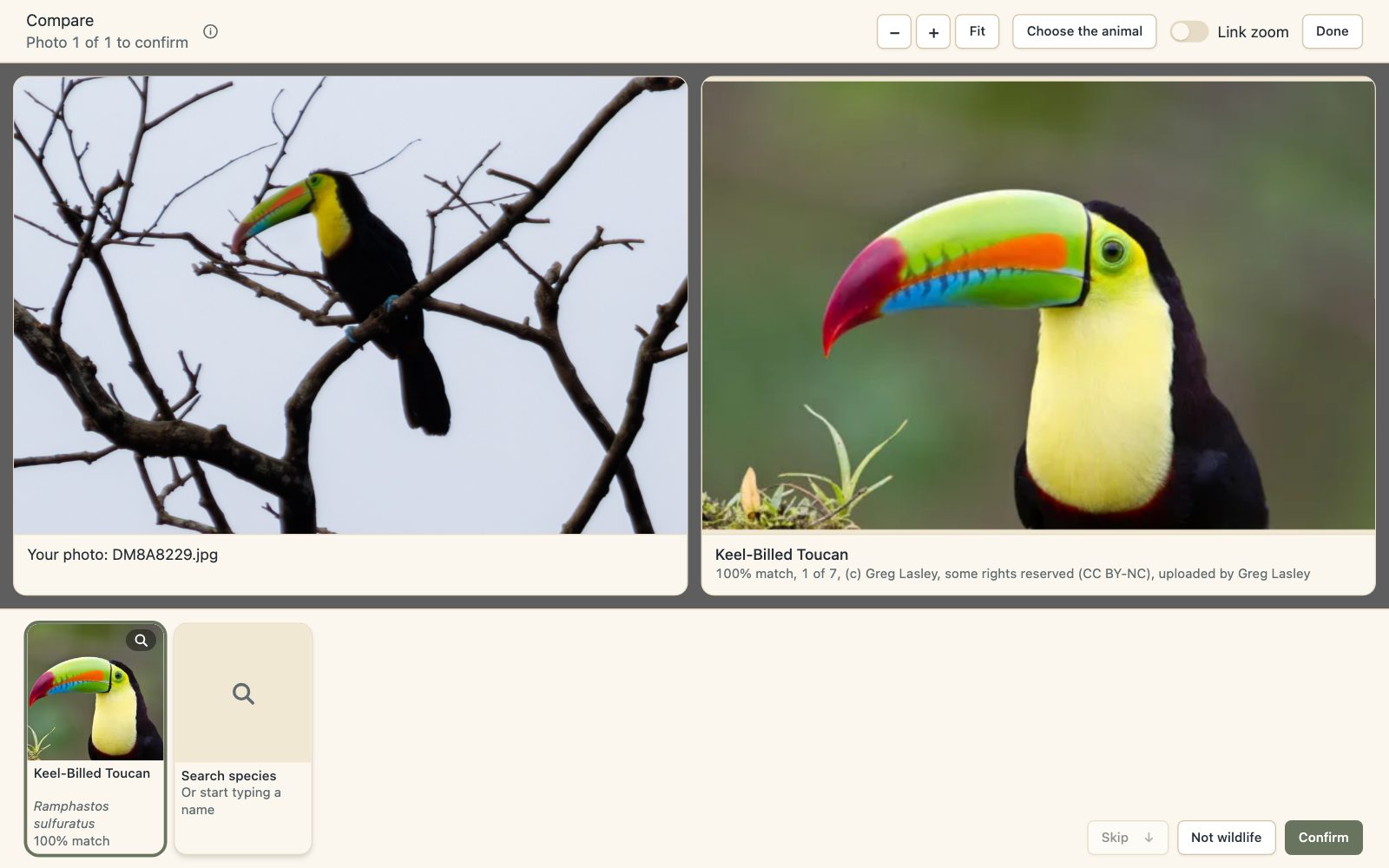
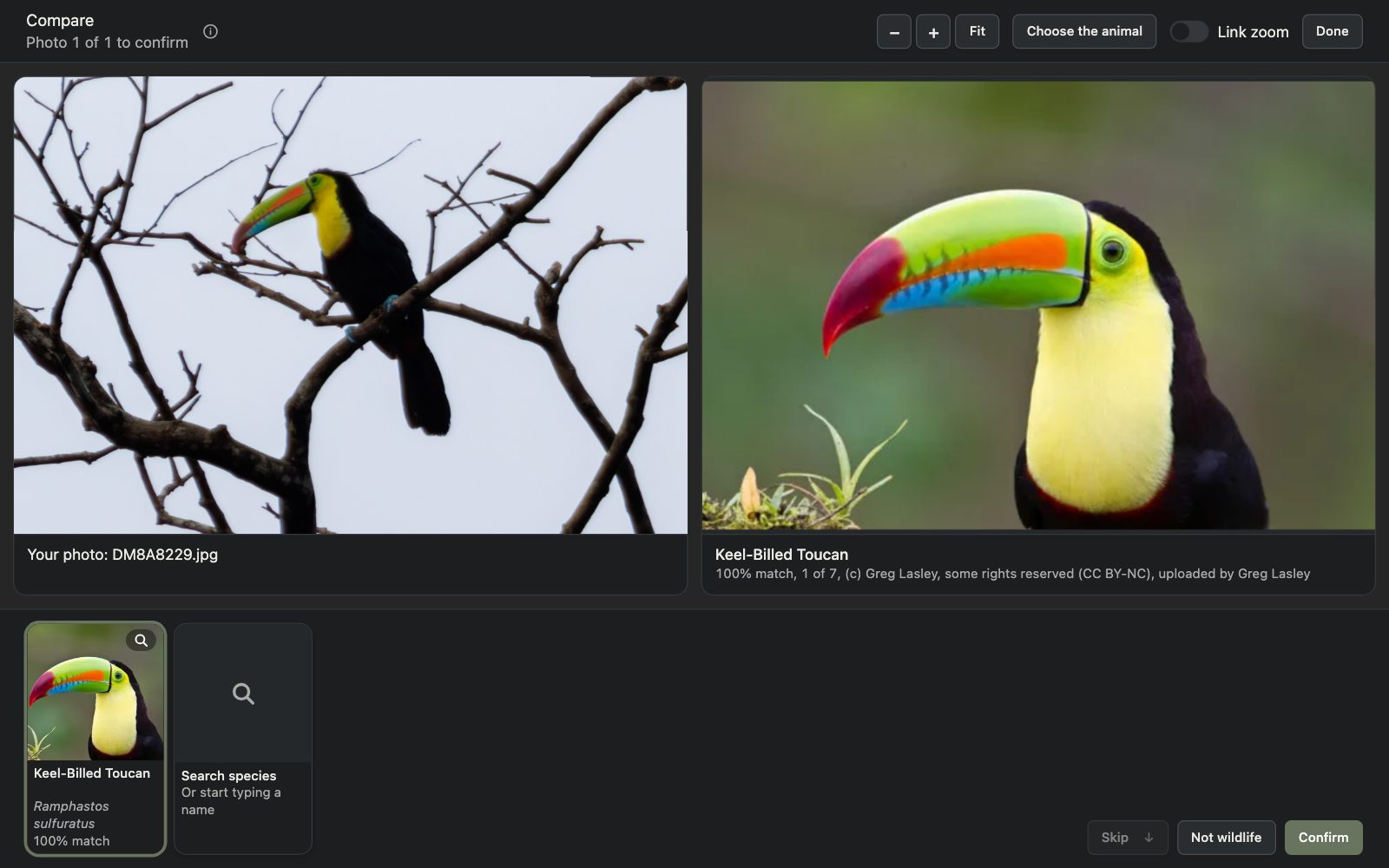
Your photo beside the species
Lifer suggests the species in each photo, on your own computer. Check it against reference photos side by side, and confirm.
Back home
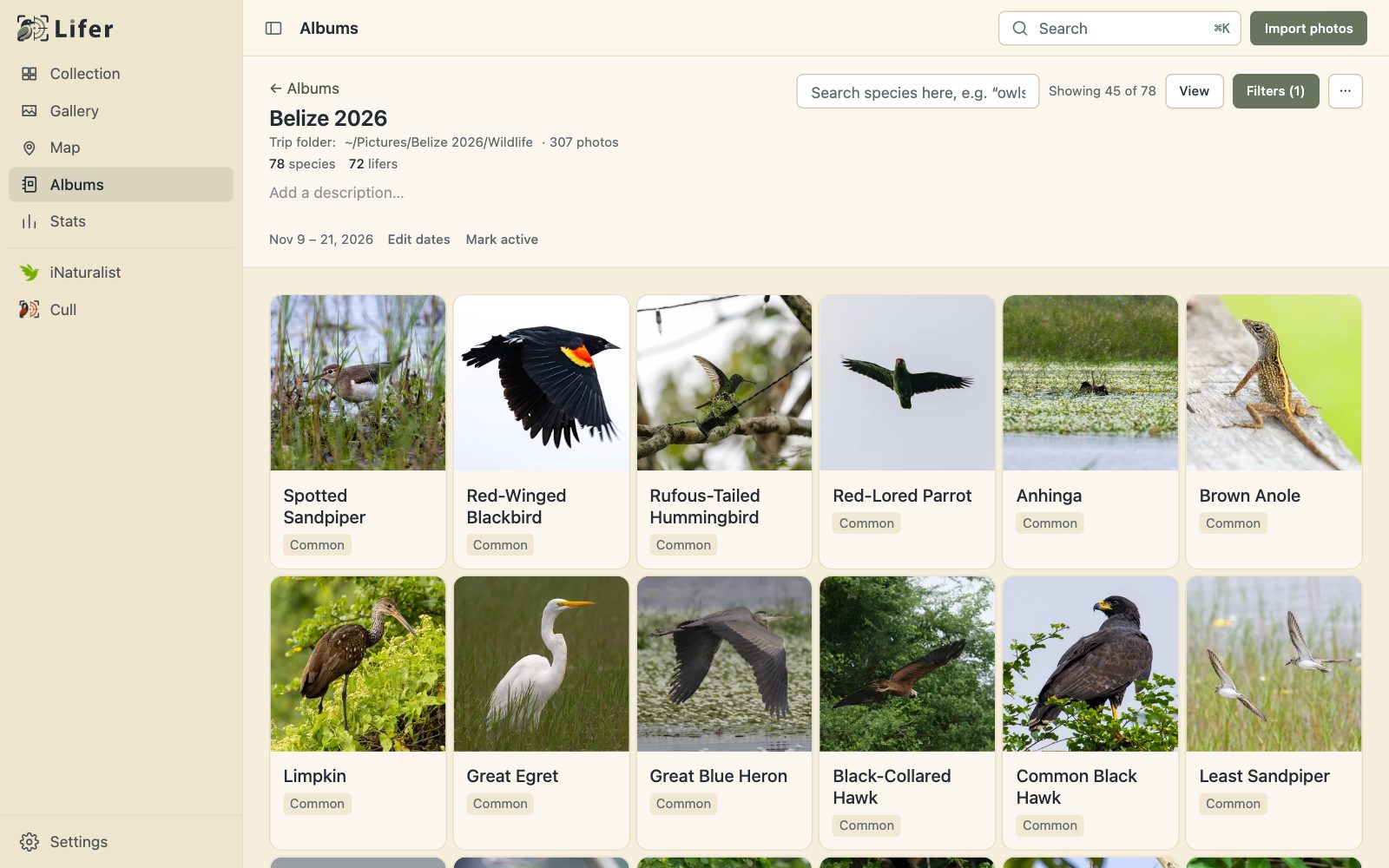
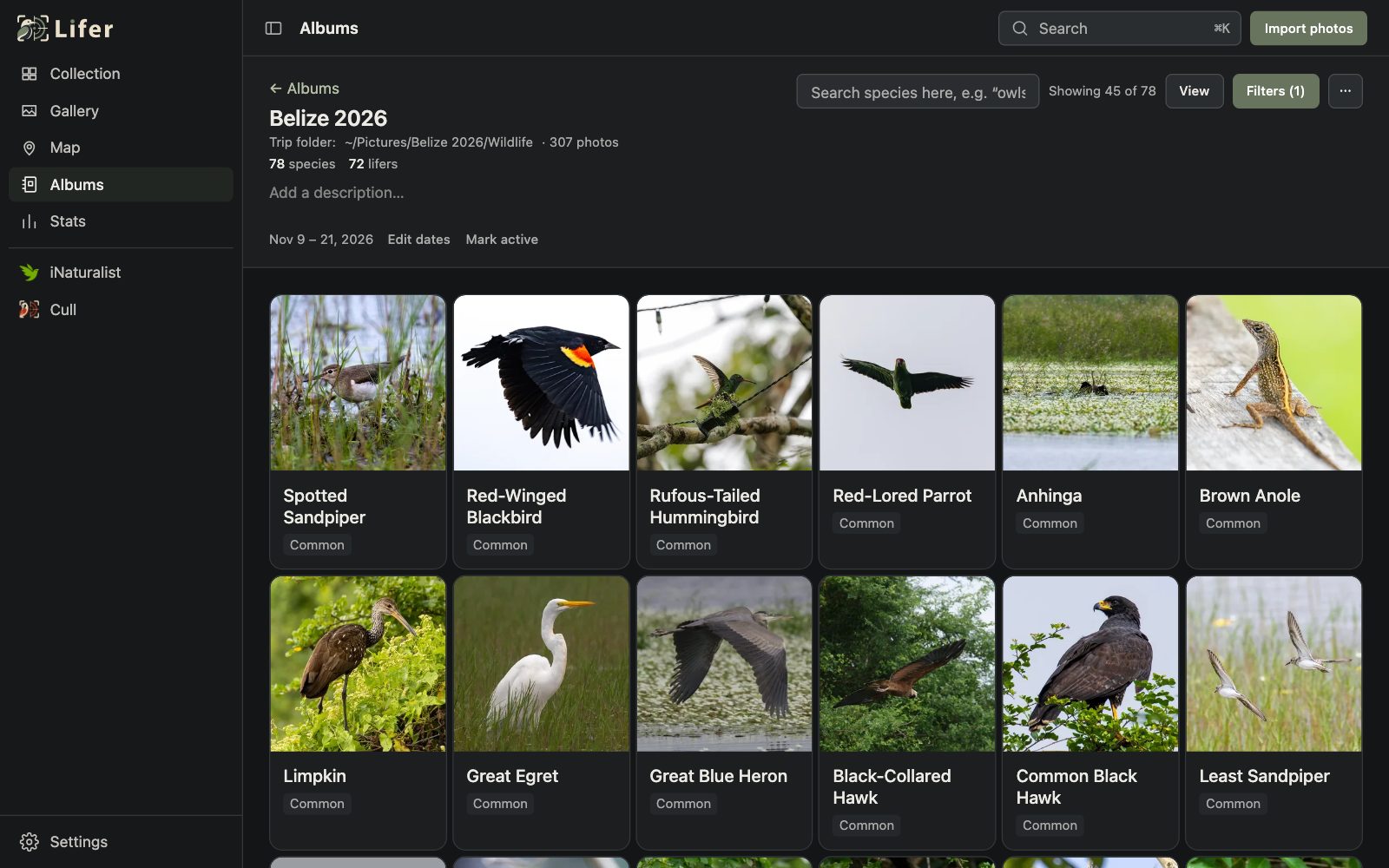
Sorted by species
Import the card or point Lifer at the folder, on any drive. 310 photos became 78 species and 72 lifers, kept together as a trip.
Finding them again
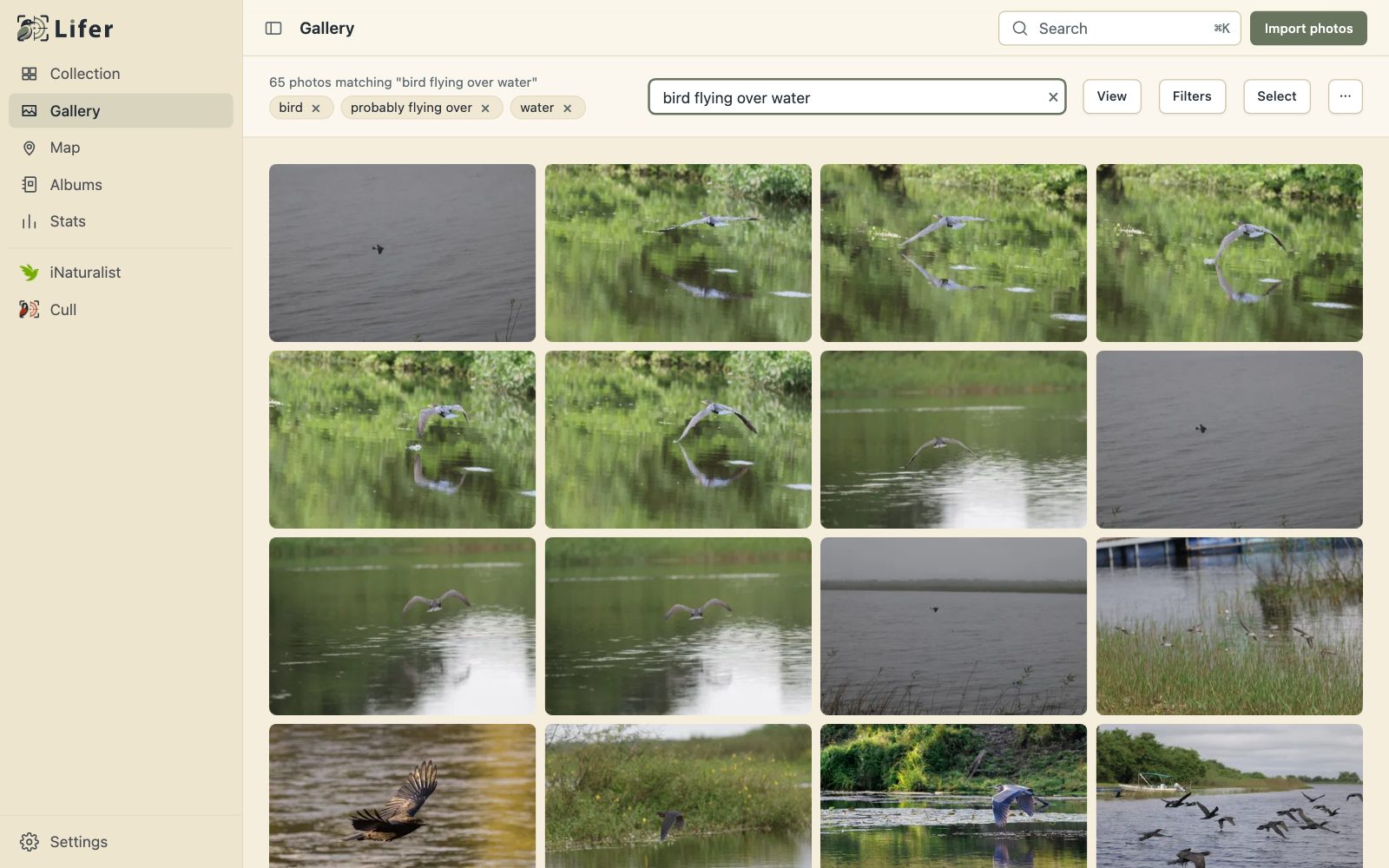
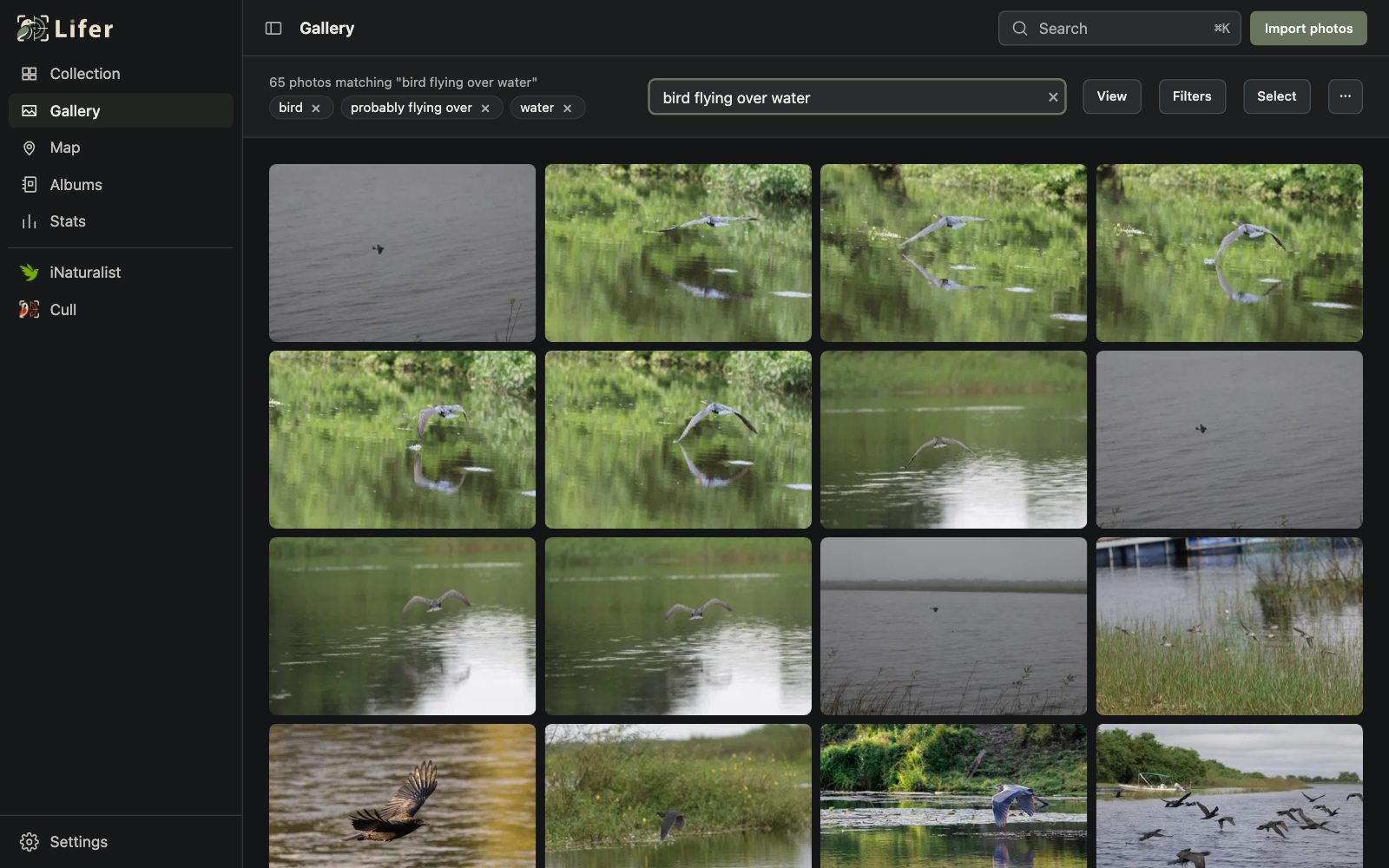
Search the way you'd describe it
Type “bird flying over water” and Lifer finds them, on your own computer. Species, places, months, trips and tags work too.
The map
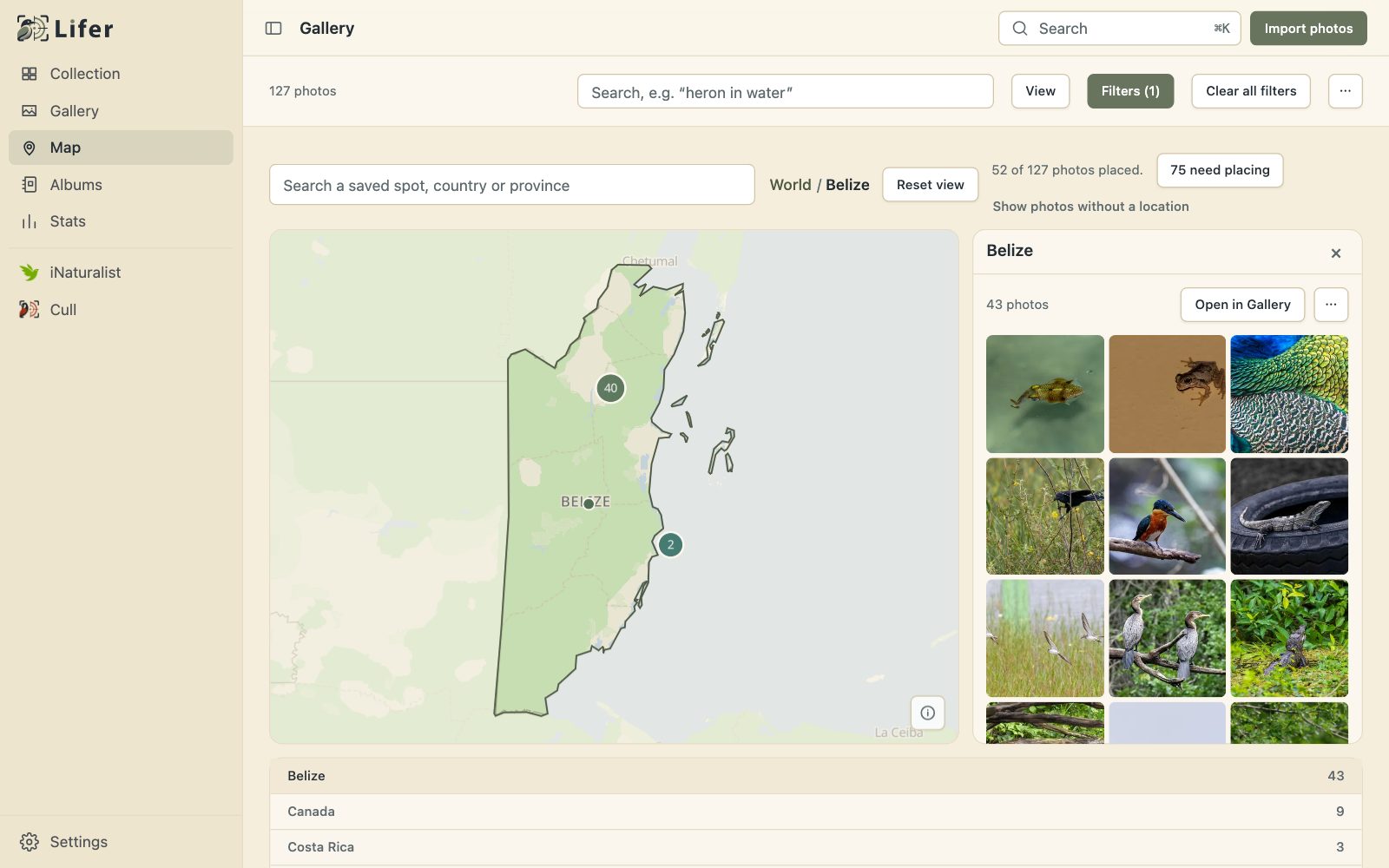
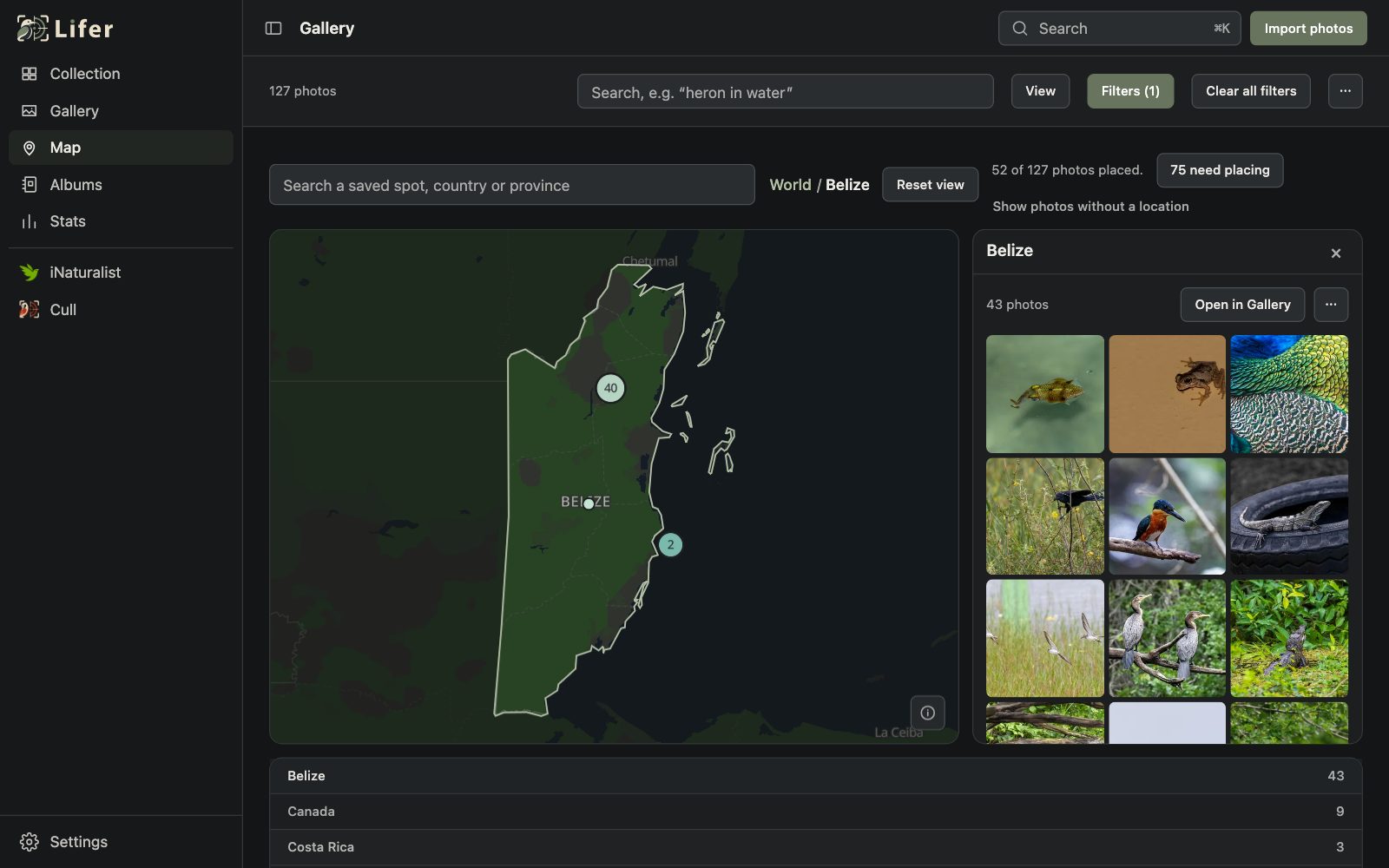
Where each one was
Every photo on the map, even offline.
Sharing
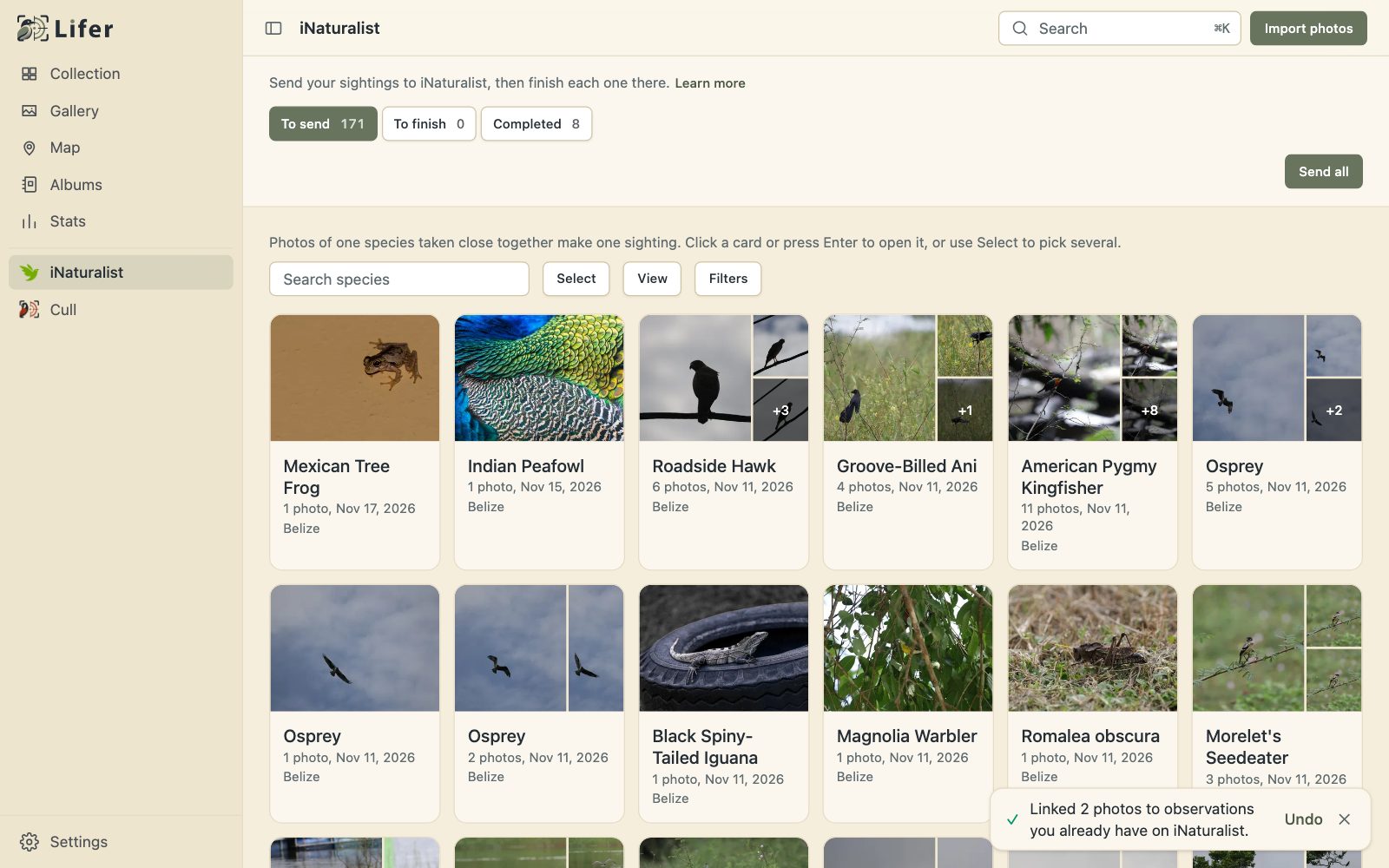
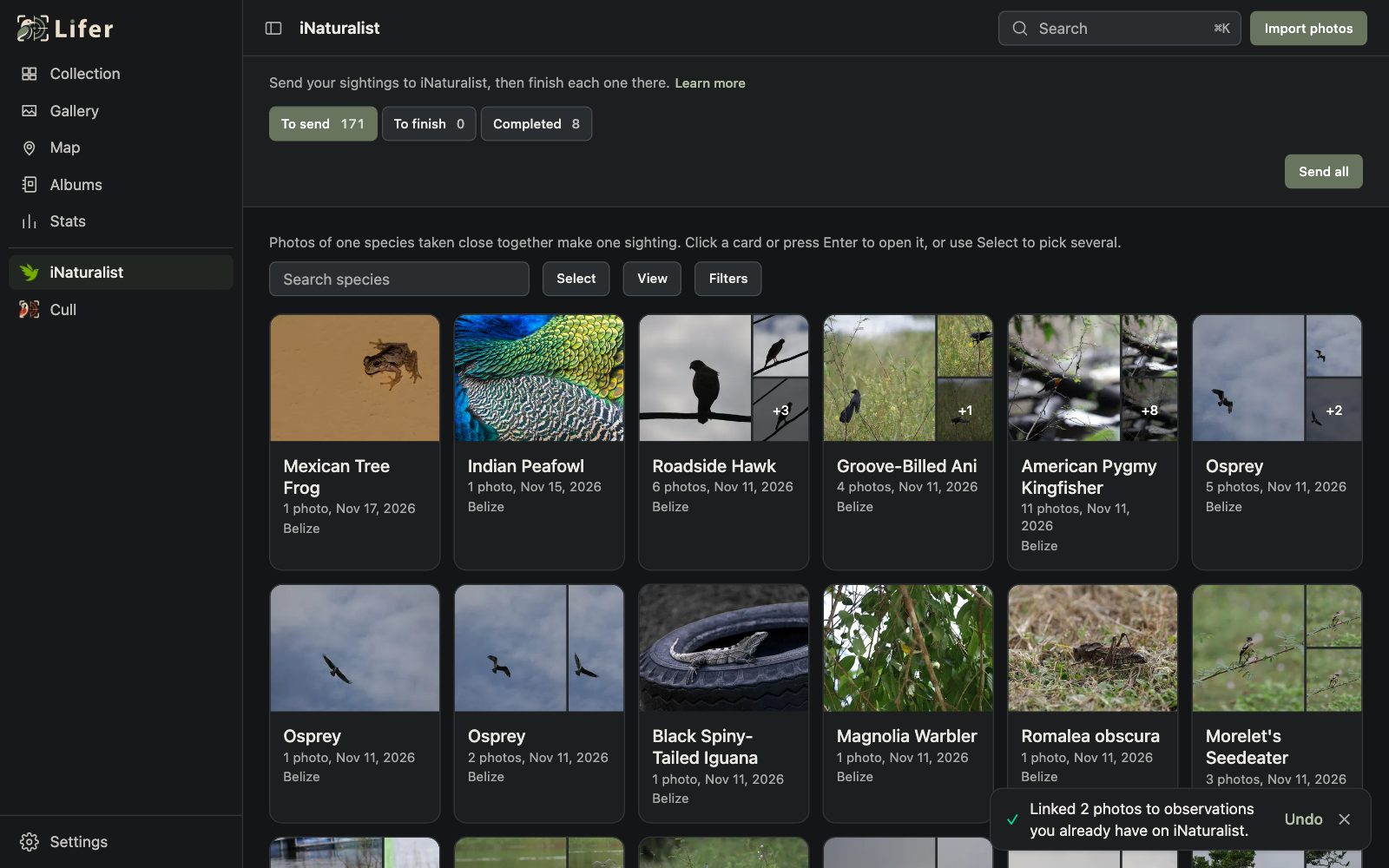
Sent to iNaturalist in one click
Lifer groups the photos into sightings with the species, date and place filled in. Send one, or all 114.
In your files
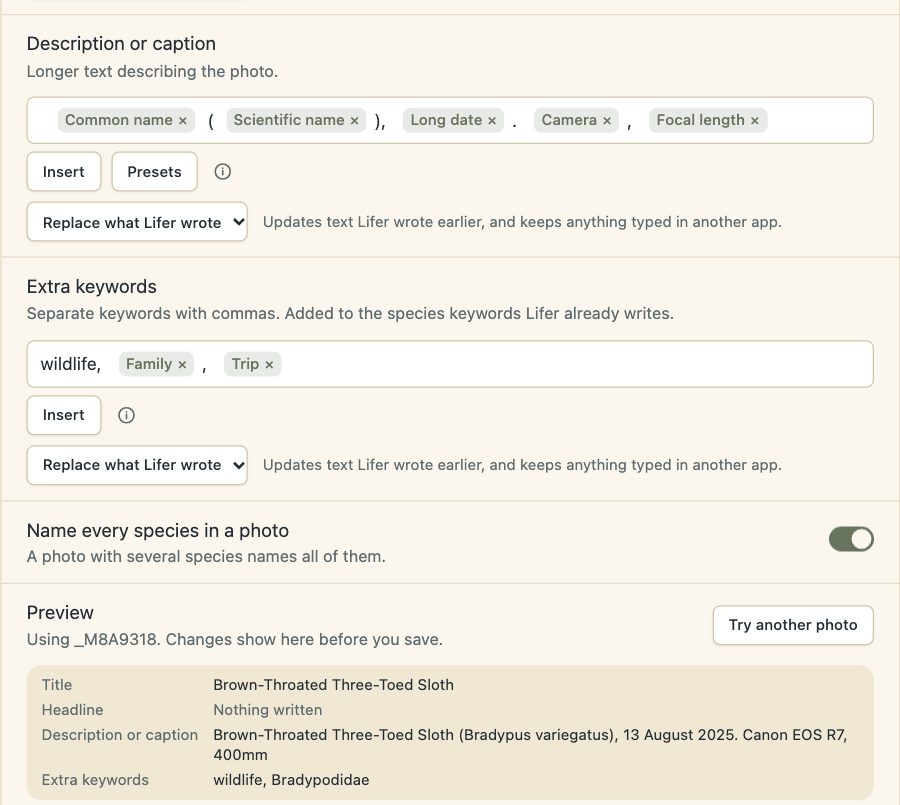
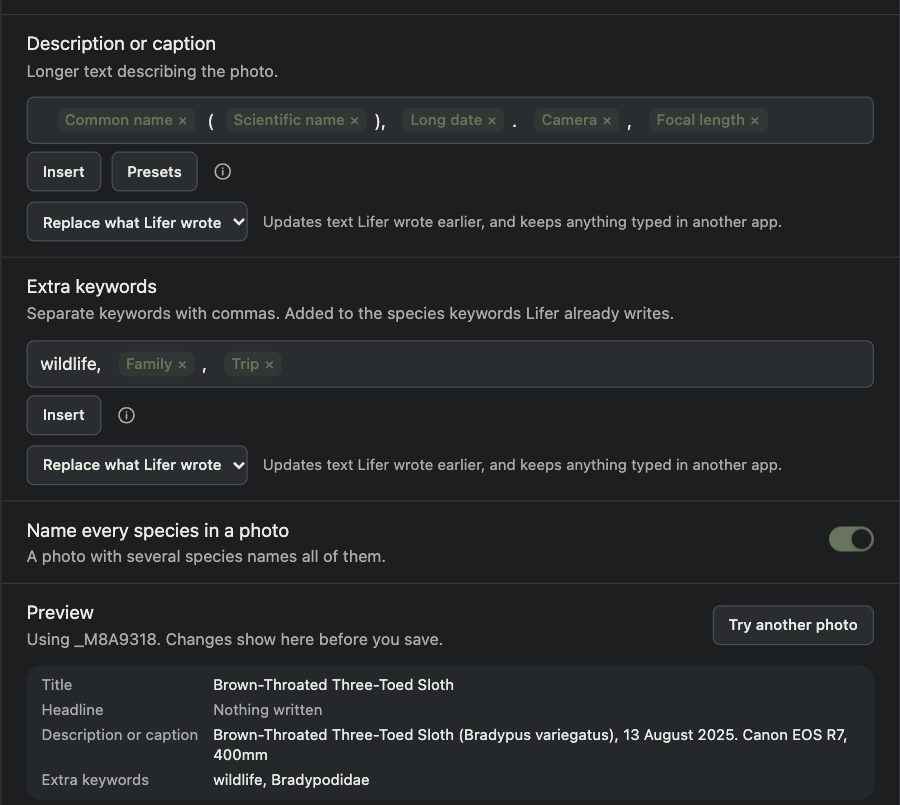
Captions and keywords, your way
Build titles, captions and keywords from species, place, trip, camera or lens, check them on a real photo, and Lifer writes them into the files Lightroom and Bridge read.
The numbers
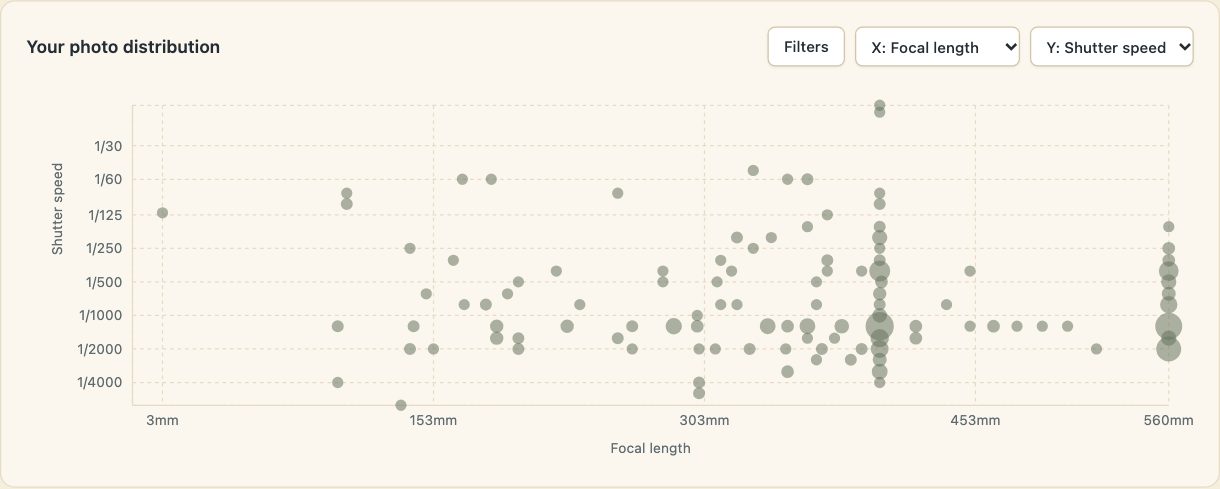
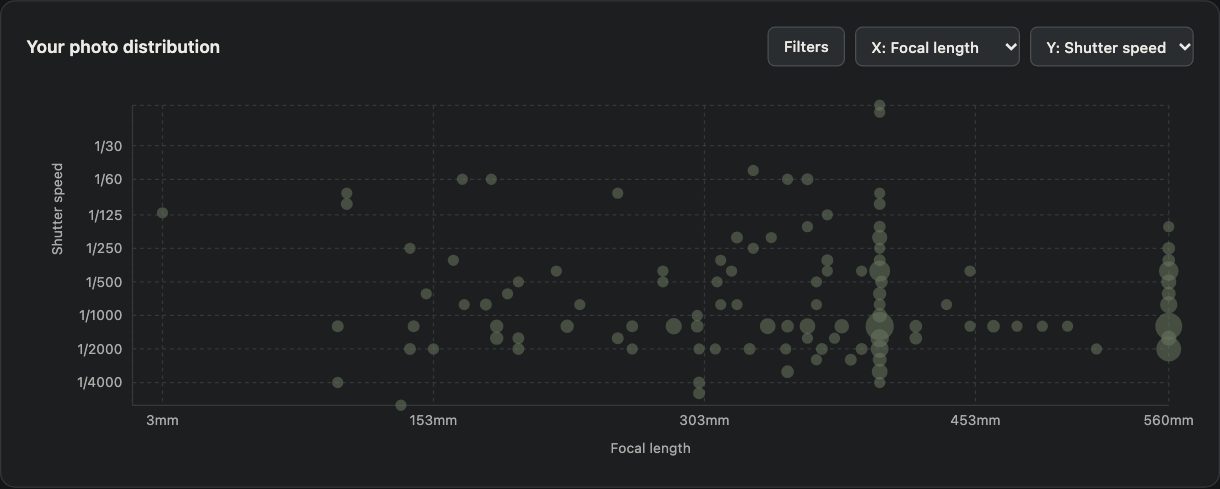
How you shoot
Every photo plotted by focal length, aperture, ISO or shutter speed. Click a dot to see the photos behind it.
The life list
Explore your life list by taxonomy to see what species you want to target next
Green is what's photographed. Hover a group for a photo, click to zoom in, and click the middle to step back out.
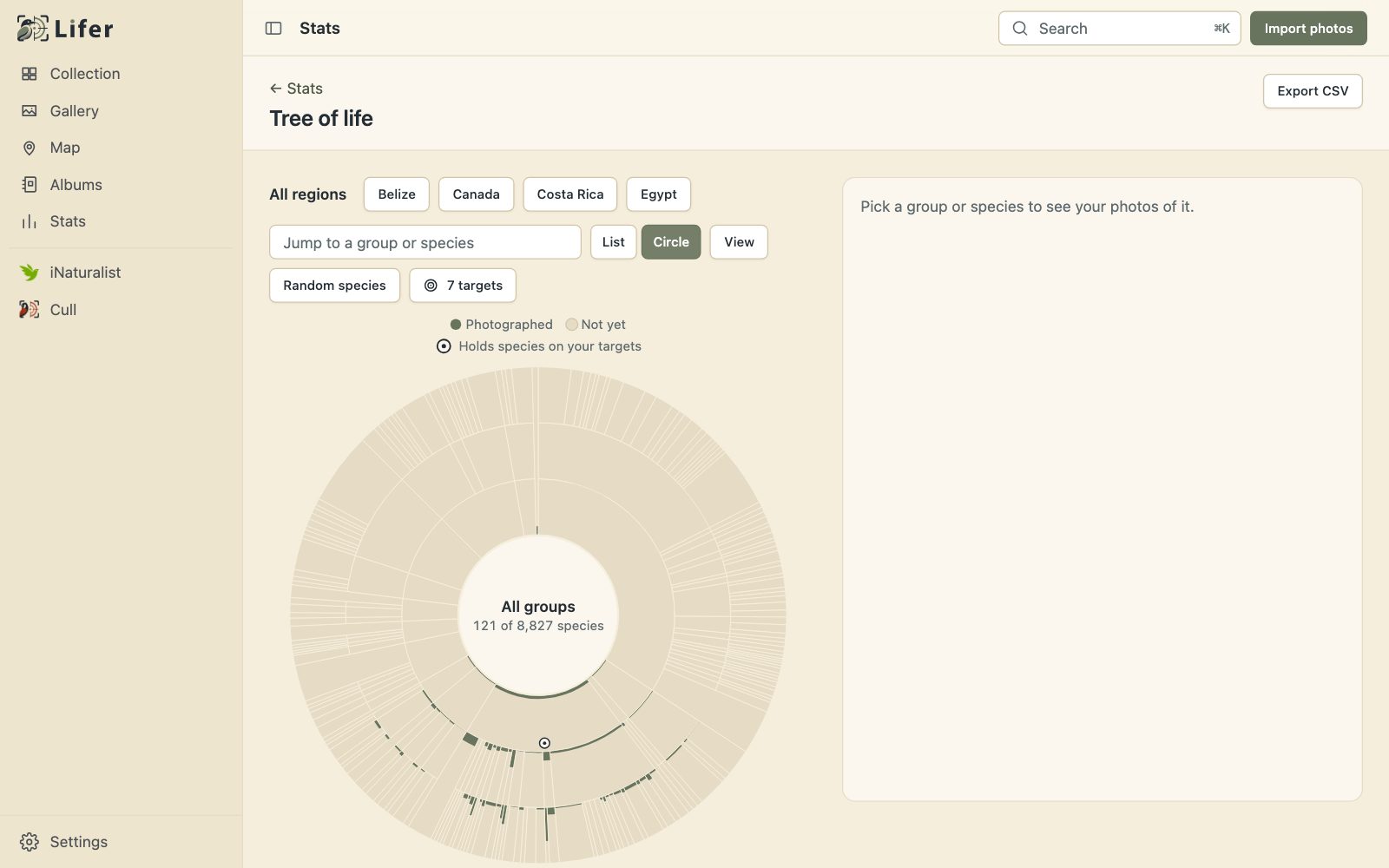
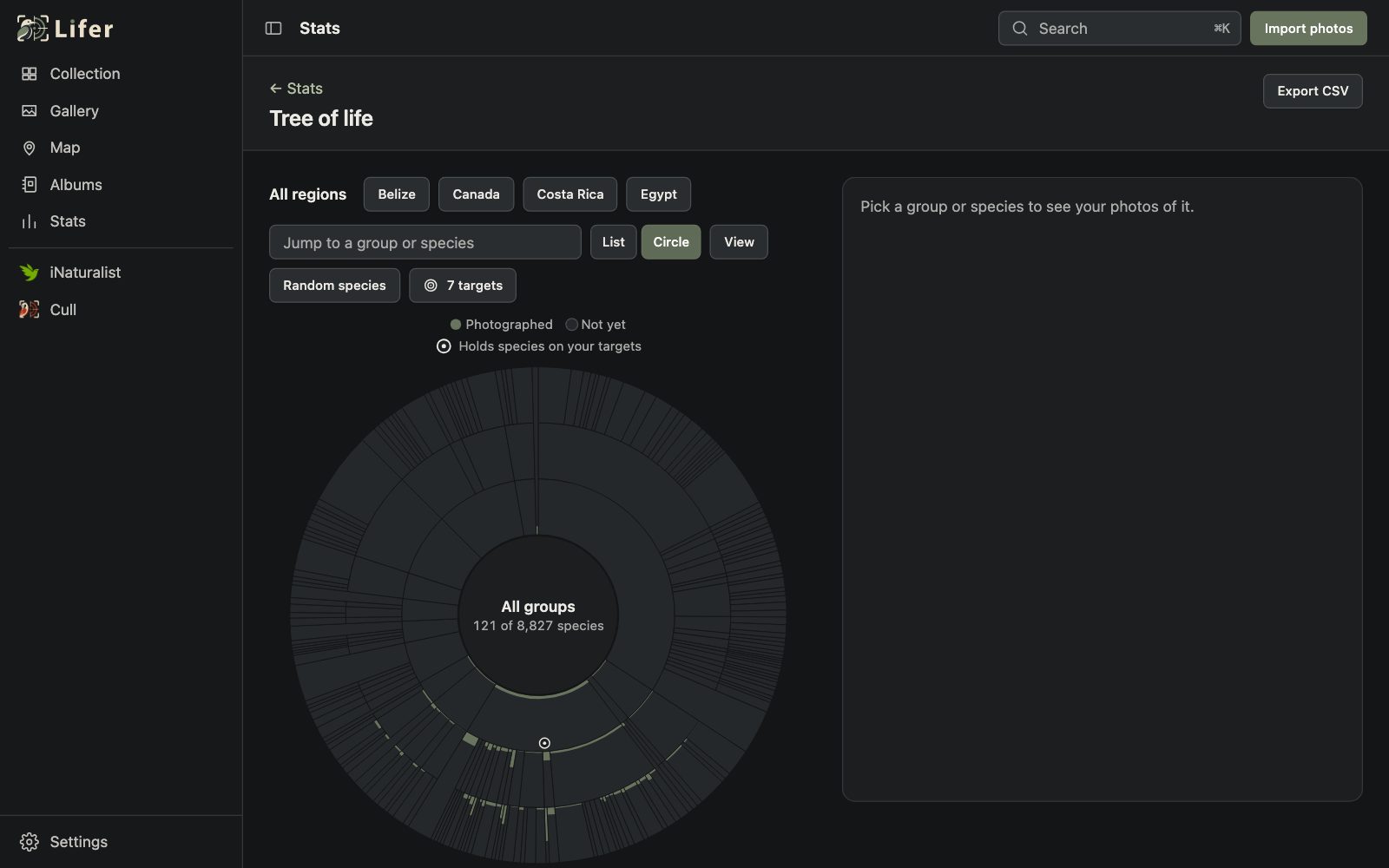
Belize's land animals, with photos from this collection.
Also in Lifer
- Your folders, your layoutImports are filed by the folder layout and file names you choose. Reorganize applies them to the photos already there.
- Across several drivesSpread the library over drives and network shares. Lifer remembers which drive each photo is on, even when one is unplugged.
- Watched foldersNew photos in your folders are added where they are, once they finish copying.
- Bring your historyLightroom Classic catalogues with ratings, keywords and collections, your eBird life list, and Immich photos.
- Photo versionsThe original, the RAW and your edits stay together as one photo.
- Any group of lifeAdd insects, spiders, plants or fungi from iNaturalist, one species or a whole group.
- Works offlineChecklists, reference photos and maps stay on your computer.
- PortfolioExport your best photos and life list as a website, without exact locations.
- Your own serverRun it on a NAS with Docker or TrueNAS, and share albums with a link.
Questions
Does Lifer upload my photos anywhere?
No. There's no Lifer cloud. Lifer only goes online to download regions, models, maps and updates, and to reach iNaturalist when you use it.
Is this a sightings log?
No. A species counts once you've attached your own photo of it. Species you've seen but not photographed can be marked as seen, or brought in from eBird.
Which species are covered?
Birds, mammals, fish, reptiles, amphibians and marine invertebrates come with full regional checklists. Any other species observed on iNaturalist can be added, from insects to plants and fungi.
Should I use the desktop app or a server?
The desktop app is simplest for one computer. A server suits photos on a NAS, several devices, or share links. You can move from one to the other later.
Will Lifer rearrange my photo folders?
Only if you ask. Imports are copied into species folders, and photos you link where they are stay put. The image itself is never changed.
What if I stop using Lifer?
Your photos are ordinary files in ordinary folders, with the species written into each one. Any photo app can read them.
More in the FAQ.
Start your archive
Checklists for 305 countries and territories and 265 ocean areas. Free and open source, with no account and no tracking. Your photos stay ordinary files in your own folders.
Mac, Windows or Linux. Or a NAS with Docker or TrueNAS.